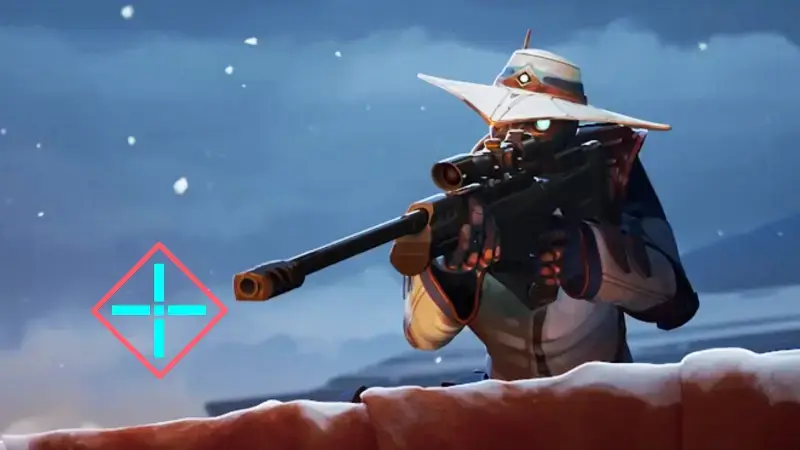
In Valorant, crosshair settings are the game's simplest but most impactful customization. Instead of trying to hit heads with the clutter of the default crosshair, you can transfer codes that players on the world stage have tested for years to your own account in seconds. Below, we've gathered the current code list for both professional players and fun/cute crosshairs.
Professional players' crosshair codes
Codes from names like TenZ, Boaster, Aspas and Demon1 from the tournament stage are among the settings that have long been preferred in both simple and competitive matches. You can copy the codes below and import them directly into the game.
| Player | Crosshair code |
|---|---|
| TenZ | 0;s;1;P;c;5;h;0;m;1;0l;4;0o;2;0a;1;0f;0;1b;0;S;c;4;o;1 |
| Boaster | 0;s;1;P;c;1;o;1;d;1;0l;0;0o;2;0a;1;0f;0;1t;0;1l;0;1o;0;1a;0;S;c;1;o;1 |
| Aspas | 0;P;c;5;o;1;d;1;z;3;f;0;0b;0;1b;0 |
| Chronicle | 0;P;h;0;f;0;0t;1;0l;4;0o;0;0a;1;0f;0;1b;0 |
| nAts | 0;P;c;1;o;1.000;0a;1.000;0l;2;0t;1;0o;2;0f;0;1b;0 |
| Zekken | 0;s;1;P;c;1;t;2;o;1;d;1;0b;0;1b;0;S;b;1;c;8;s;0.823 |
| Cryo | 0;P;h;0;0l;4;0o;0;0a;1;0f;0;1b;0 |
| Alfajer | 0;s;1;P;c;5;o;1;d;1;z;3;0b;0;1b;0;S;s;0.628;o;1 |
| f0rsakeN | 0;s;1;P;u;000000FF;o;1;s;0;0t;3;0l;1;0v;0;0g;1;0o;0;0a;1;0f;0;1t;1;1l;4;1g;1;1o;0;1a;1;1m;0;1f;0;S;c;0;s;0.9;o;1 |
| Jinggg | 0;s;1;P;c;1;o;1;0t;1;0l;2;0o;2;0a;1;0f;0;1b;0;S;c;5 |
| something | 0;s;1;P;o;0.619;d;1;f;0;s;0;0t;1;0l;0;0o;2;0a;1;0f;0;1b;0;S;c;0;s;0.75 |
| Demon1 | 0;p;0;s;1;P;o;1;f;0;0t;1;0l;3;0o;2;0a;1;0f;0;1b;0;A;o;1;0t;1;0l;3;0o;2;0a;1;0f;0;1b;0;S;c;1;o;1 |
| Less | 0;s;1;P;o;1;d;1;f;0;0l;2;0o;0;0a;1;0f;0;1b;0 |
| ZmjjKK | 0;P;h;0;d;1;f;0;0l;2;0v;2;0g;1;0o;1;0f;0;1b;0 |
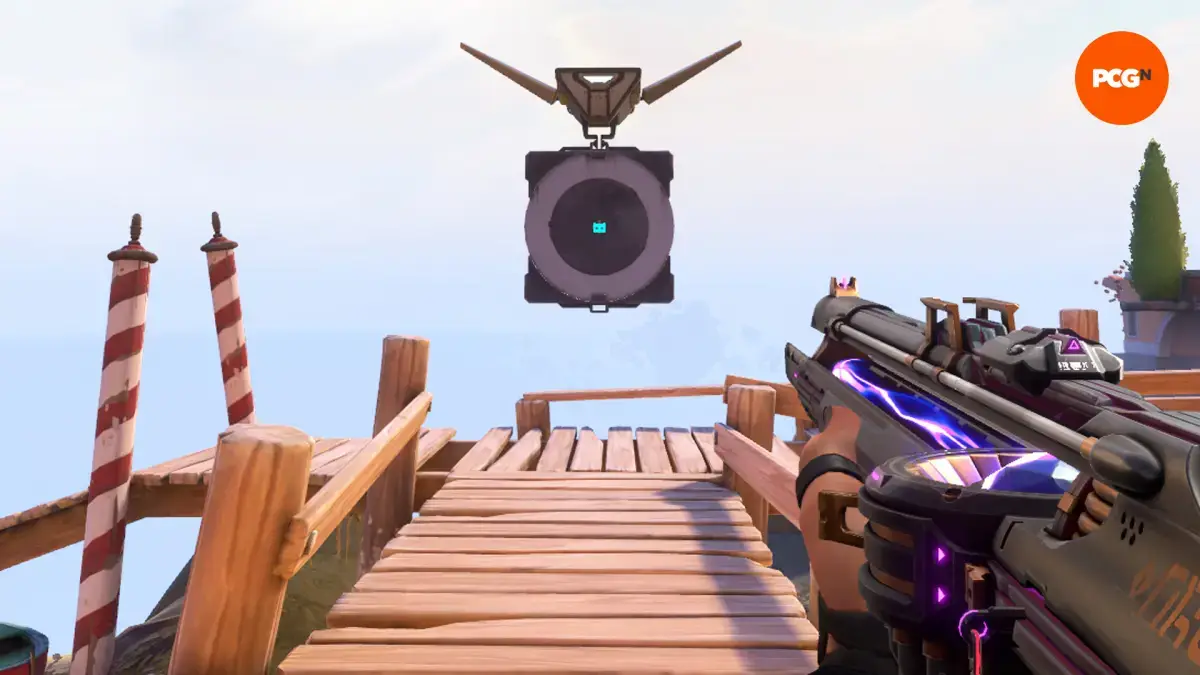
Fun and cute crosshair codes
You don't have to look competitive: crosshairs that stand out in a match, make you smile, or are entirely aesthetic are imported in the same way.
| Theme | Crosshair code |
|---|---|
| Among Us | 0;c;1;P;c;5;t;3;o;1;f;0;0t;10;0l;1;0v;0;0g;1;0o;4;0a;1;0f;0;1t;9;1o;0;1a;1;1m;0;1f;0 |
| Candy | 0;P;c;8;u;FF7ED1FF;h;0;b;1;0t;5;0l;2;0v;0;0g;1;0a;1;0f;0;1t;3;1l;5;1v;1;1g;1;1o;1;1a;1;1m;0;1f;0 |
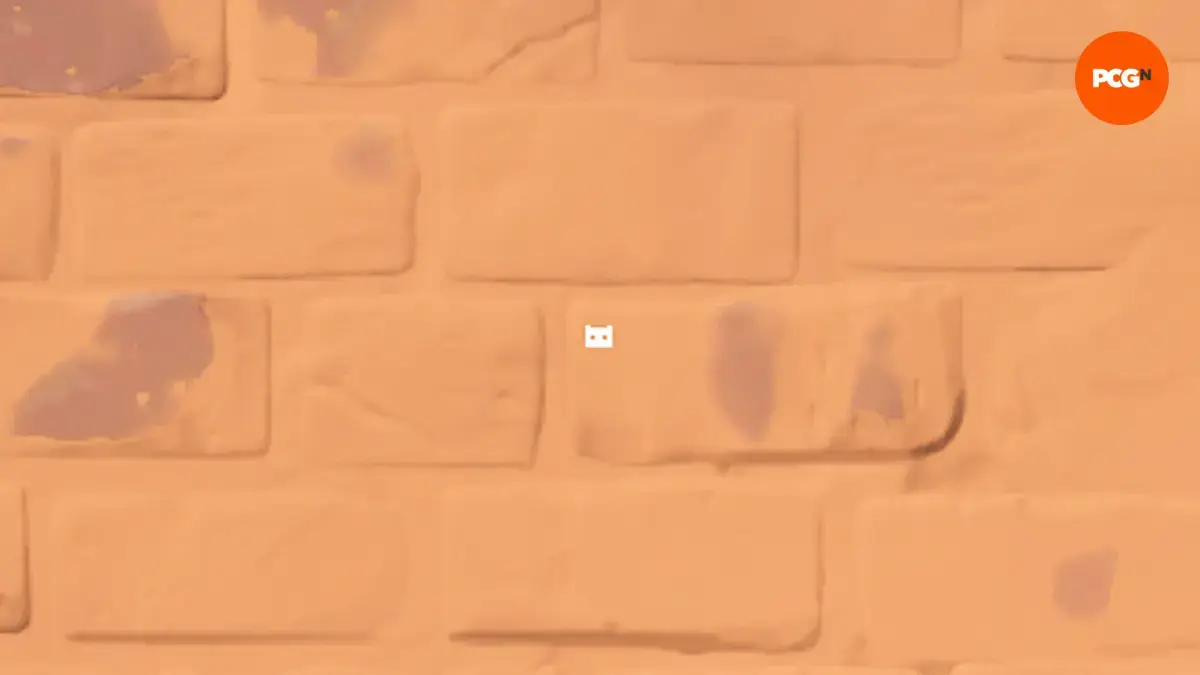
| Cat | 0;P;u;FC5A8DFF;h;0;d;1;z;3;f;0;m;1;0t;10;0l;0;0v;3;0g;1;0o;1;0a;1;0f;0;1t;9;1v;0;1g;1;1o;3;1a;1;1m;0;1f;0 |
| Daisy | 0;P;c;6;o;1;d;1;z;4;f;0;m;1;0t;8;0l;3;0o;2;0a;0;0f;0;1l;3;1o;3;1a;0;1m;0;1f;0 |
| Flappy Bird | 0;P;c;1;t;3;o;1;f;0;0t;6;0l;20;0o;13;0a;1;0f;0;1t;9;1l;4;1o;9;1a;1;1m;0;1f;0 |
| Googly Eyes | 0;c;1;s;1;P;t;4;o;1;d;1;z;5;a;0.556;0t;10;0l;20;0v;0;0g;1;0o;13;0a;1;0f;0;1t;1;1l;1;1v;0;1g;1;1o;14;1a;1;1s;0.064;1e;0.375;S;c;3;s;0.628;o;1 |
| Heart | 0;c;1;s;1;P;c;7;h;0;d;1;z;3;m;1;0t;4;0l;1;0o;2;0a;1;0f;0;1t;3;1l;1;1o;2;1a;1;1m;0;1f;0;S;b;1;c;8;t;000000FF;s;0.823;o;1 |
| Instagram logo | 0;P;c;6;h;0;d;1;z;1;f;0;s;0;0t;4;0l;1;0o;2;0a;1;0f;0;1t;10;1l;1;1o;5;1a;1;1m;0;1f;0 |
| Penguin | 0;s;1;P;c;4;o;1;d;1;z;6;a;0;f;0;m;1;0t;10;0l;10;0v;0;0g;1;0o;10;0a;0;0f;0;1t;6;1l;0;1v;3;1g;1;1o;0;1a;1;1s;0.053;1e;0.206 |
| Sakura | 0;P;c;8;u;FF8299FF;h;0;d;1;b;1;0t;8;0l;1;0v;1;0o;1;0a;1;0f;0;1t;10;1l;1;1v;1;1o;2;1a;0.6;1m;0;1f;0 |
| Shuriken | 0;P;h;0;f;0;0l;4;0o;2;0a;1;0f;0;1t;8;1l;1;1o;1;1a;1;1m;0;1f;0 |
| Smiley face | 0;P;c;7;t;2;o;1;d;1;z;3;a;0;f;0;0t;10;0l;2;0o;2;0a;1;0f;0;1b;0 |
| Snowflake | 0;P;h;0;f;0;0o;0;0a;1;0f;0;1t;4;1o;2;1a;1;1m;0;1f;0 |
| Sunflower | 0;P;c;8;u;F0FF00FF;o;1;b;1;0t;8;0l;2;0v;2;0o;4;0a;1;0f;0;1o;5;1a;1;1m;0;1f;0 |
| Xbox logo | 0;P;c;1;h;0;f;0;m;1;0t;3;0l;3;0o;2;0a;1;0f;0;1t;6;1l;1;1o;4;1a;1;1m;0;1f;0 |
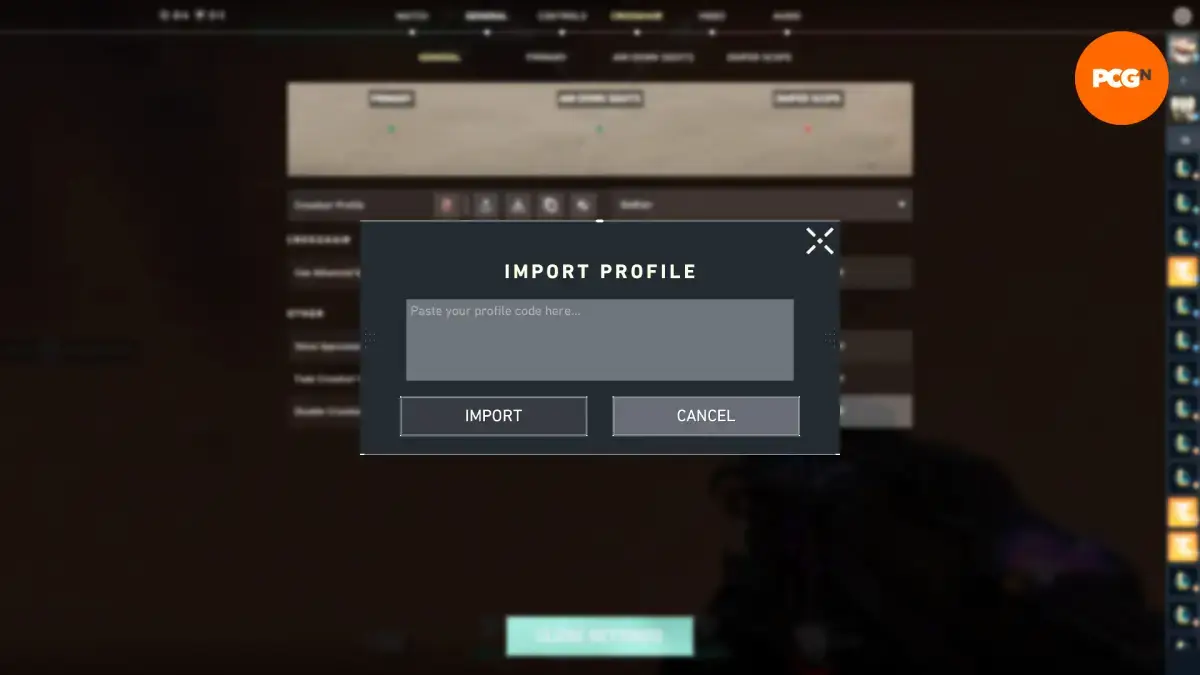
How to import a crosshair code?
- Go to settings from the main menu.
- Select the 'Crosshair' tab.
- Click the 'Import Profile Code' button.
- Paste the code you copied from the list above into the field that opens.
- Confirm with 'Import'; your crosshair changes instantly in the preview.
Some codes define three separate crosshairs for primary, aim down sights (ADS), and sniper; others revert to a single primary crosshair. If you want the three views back, you just need to enable advanced options in the 'General' settings.
Are there expired codes?
Crosshair codes do not expire on a specific date like promo codes; they work as long as you enter them in the game. Still, when a player updates their crosshair, the shared code may no longer reflect their current look. In such a case, it's better to use the newest code from that player's streams or community posts.
How do you set up your own crosshair?
Ready-made codes are a good starting point, but the best result comes from settings that fully suit you. Bright and contrasting colors (cyan, green, white) stand out immediately on most backgrounds; that's why pro players prefer these tones. Turning off the "movement error" option in the settings keeps your crosshair stable and eliminates the distraction caused mid-match by a dynamic look that changes while moving.
Where can I follow new crosshair codes?
- Pro players' and streamers' live streams and social media posts
- Roster introductions in international tournament broadcasts
- Community forums and crosshair archives focused on code sharing
After trying a crosshair, we recommend testing it in practice mode for a few matches; some players hit more consistently with thin crosshairs, while others do better with thick and dotted ones. Don't hesitate to try, you can change the codes again whenever you want.