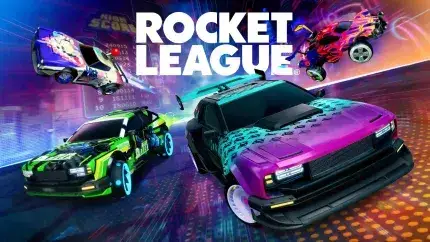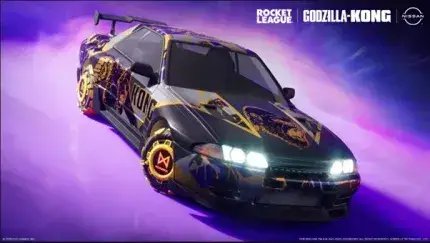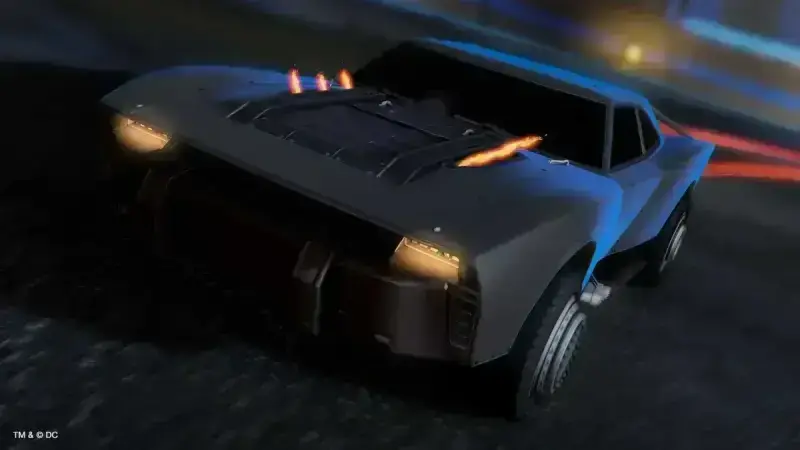
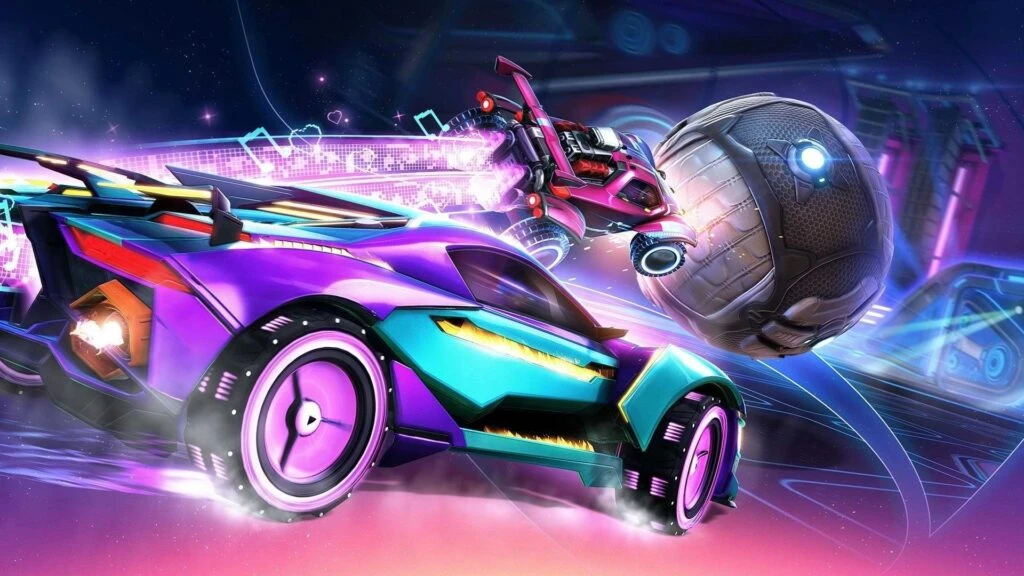
Rocket League is a widely popular vehicular soccer video game that offers both casual and competitive experiences to players. One of the key features of the game is its vast array of customization options for cars, allowing players to personalize their vehicles with various cosmetic items. These include car paints, wheels, decals, antennas, and even personalized player banners and titles.
Most of these customization items are earned by progressing through the tiers in the Rocket Pass or purchasing them from the Item Shop using in-game currency. However, Psyonix, the developer of Rocket League, frequently introduces in-game events that allow players to earn exclusive rewards. Some notable event examples include the Esports and WWE events. As part of these events, Psyonix also releases special time-limited codes that players can redeem to unlock additional exclusive rewards.
Over the years, Rocket League has introduced numerous codes that grant players free in-game items. In this article, we will list all the currently active and expired codes as of August 2026, along with a step-by-step guide on how to redeem them.
What Are Rocket League Codes Used For?
Rocket League codes are typically provided by the developers during special events such as Esports tournaments, collaborations, or seasonal events. These codes can be redeemed to unlock exclusive cosmetic items for free. Instead of grinding through Rocket Pass tiers or purchasing items directly from the Item Shop, players can use these codes to gain unique items without spending any credits.
It is important to note that these promotional codes are time-sensitive and expire after a certain period. Therefore, it is recommended to redeem them as soon as possible before they become invalid.
All Active Rocket League Codes – August 2026
As of August 2026, there are no confirmed active codes. Rocket League promotional codes are typically available for a short time, and the last known code, "popcorn", was released in January 2025 and likely expired soon after. Always double-check the official Rocket League channels for any newly released codes.
- No active codes currently available.
All Expired Rocket League Codes
Expired codes are no longer redeemable, but occasionally, old codes may become available again. Here is a list of all expired Rocket League codes as of August 2026.
- rlnitro – Unlocks the Breakout: Nitro Circus decal and Antenna.
- Bekind – Unlocks the VCR Limited Topper.
- couchpotato – Unlocks the Couch Potato Limited Player Title.
- rlbirthday – Grants two WWE banners, antennas, and wheels.
- SARPBC – Unlocks the SARPBC logo, song, car, and Moai Antenna.
- shazam – Unlocks the Shazam Limited Decal and Shazam Limited Wheels.
- Truffleshuffle – Unlocks the Octane: The Goonies Limited Decal.
- wrestlemania – Grants WWE banners, antennas, and wheels.
- WWE18 – Grants WWE banners, antennas, and wheels.
- wwedads – Grants WWE banners, antennas, and wheels.
- RocketLeagueLive – Unlocks exclusive wheels, a topper, a player banner, and a player anthem.
- popcorn – Unlocks the Popcorn Rocket Boost effect. (Active in January 2025, now expired.)
How to Redeem Codes in Rocket League
If you are new to Rocket League and have just discovered these codes, you might be wondering how to redeem them. Follow these simple steps to successfully claim your rewards:
- Launch Rocket League on your gaming platform.
- Go to the Main Menu and select Settings.
- Navigate to the EXTRAS tab in the Settings menu.
- Click on the REDEEM CODE option.
- Enter the active code manually or copy and paste it from the list above.
- Click on the OK button to confirm and receive your reward.
Once you have successfully redeemed your free items, they will be available in your Garage along with your other customization options. Use them to give your car a fresh, exclusive look.
How to Get More Rocket League Codes
Since Rocket League codes are time-limited and released during special events, it is recommended to stay updated with official Rocket League social media channels. By following these sources, you can instantly redeem new codes as soon as they are announced.
Follow Rocket League on Social Media:
- X (Twitter) – Official Rocket League updates and announcements.
- YouTube – Official Rocket League video content.
- Facebook – Updates, events, and community discussions.
- Discord – Engage with the Rocket League community.
That’s all the information regarding currently active and expired Rocket League codes as of August 2026. Make sure to redeem the available codes before they expire, and keep an eye out for future codes to enhance your in-game experience.
Why Isn't My Rocket League Code Working? (Troubleshooting & Fixes)
It can be frustrating when a code that seems perfectly valid won't redeem. The most common reason is that the code has already expired — many Rocket League codes are only available for a short time. Our active list above is updated for August 2026, but if you're trying an older code from another source, double-check the date it was issued.
Another frequent issue is a simple typo. Codes are case-sensitive and often contain a mix of letters and numbers. Instead of typing them manually, copy and paste the code directly from the list. Also, make sure you're logged into the correct account on the platform where you want the reward — codes are usually tied to your Epic Games account if you play on multiple systems.
If you still can't redeem a code, try restarting Rocket League or your console/PC. Occasionally, the redemption server may be temporarily down. Also, verify that you haven't already used the code on that account; most codes can only be redeemed once per account. If the issue persists after checking all of these, contact Psyonix Support with a screenshot of the error message.
- Check the expiration date — expired codes will not work.
- Copy-paste the code to avoid typos.
- Validate that you're on the correct platform and account.
- Restart the game or your device if the redemption fails.
- Look for a specific error message and note it for support.
Rocket League Codes: Frequently Asked Questions
Can Rocket League codes be used on all platforms? Yes, most promotional codes work across PlayStation, Xbox, Nintendo Switch, and PC, as long as your accounts are linked to the same Epic Games ID. However, a few codes may be platform-exclusive, especially those tied to specific promotions. When in doubt, check the official announcement for any platform restrictions.
How often are new codes released? Psyonix typically releases codes during major events like Rocket League Championship Series (RLCS), seasonal celebrations, and collaborations. There's no fixed schedule, but following the official social media accounts is the best way to catch them when they drop.
Do codes ever come back after expiring? Unfortunately, most expired codes never return. That's why it's important to redeem them as soon as you hear about them. There are occasional re-releases for special anniversaries, but this is rare.
One more tip: never pay for codes. Rocket League codes are always free — any third-party seller offering "exclusive" codes is almost certainly a scam. Stick to official channels for legitimate codes.
- Most codes are cross-platform if your account is linked.
- New codes appear with events — follow official channels.
- Expired codes rarely return, so redeem quickly.
- Never buy codes; they are always free.