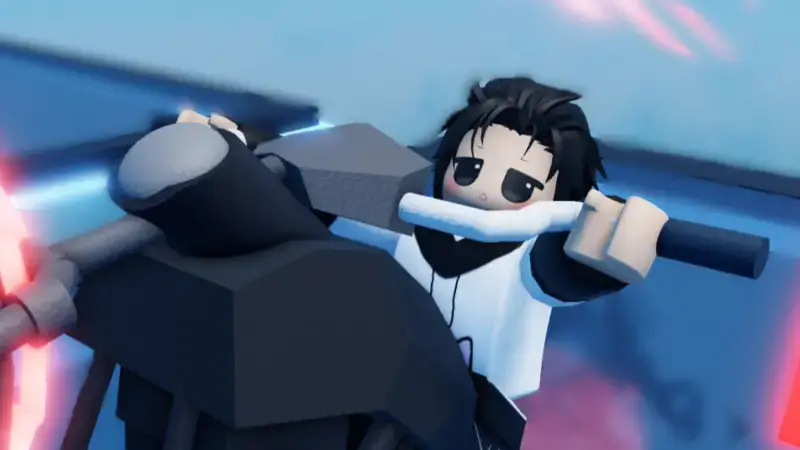
For players looking to strengthen their ball in Ball vs Ball, coins are the first stop, and the most practical way to collect them without playing match after match is codes. As of September 2026, there are five valid codes, and each gives 100 coins — so if you use them all, you can earn up to 500 coins. Below is the full list of working codes, the steps to use them, and where you can follow new codes.
Ball vs Ball active codes
All of the codes below are currently working. You just need to enter the codes as they appear in the table.
| Code | Reward |
|---|---|
| UPD5 | 100 coins |
| UPD4 | 100 coins |
| UPD3 | 100 coins |
| UPD2 | 100 coins |
| UPD1 | 100 coins |
What do the codes get you?
All five of these codes give coins directly, so you can spend the accumulated money to upgrade your most reliable battle ball. Aside from coins, the game's general code distribution can also include limited-time emote rewards; these are among the extras you can use against your opponent after winning a match. So following codes regularly means not just cosmetics but also direct progress.
How do you use codes?
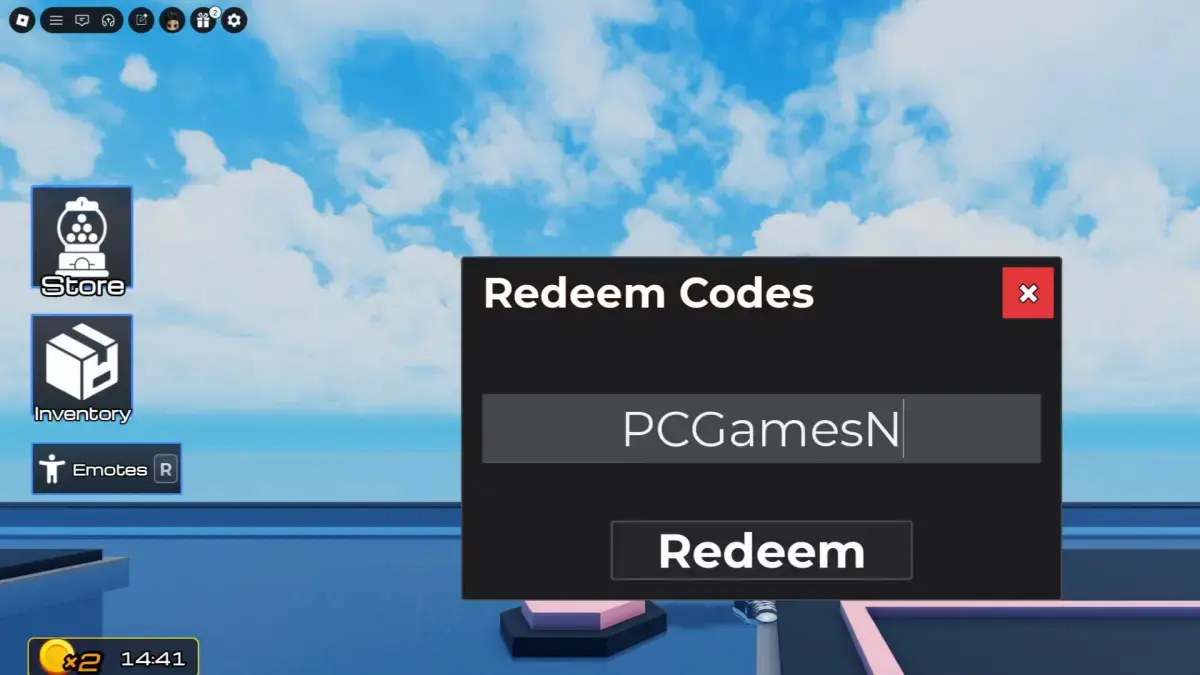
You can use codes before your first match with these steps:
- Launch Ball vs Ball through Roblox.
- Click the present button in the top-left corner of the screen.
- Select the "codes" option from the menu that opens.
- Enter one of the working codes.
- Press the Redeem button and claim your reward.
Expired codes
There are currently no expired codes in the list; all five codes from UPD1 to UPD5 are valid. Still, if you get an error when trying a code, remember that it may have been removed — game developers can sometimes quietly disable old codes. In such a case, you can try the other four codes you have.
Where to follow new codes?
New codes aren't easy to find either on the game page or in the channels sitting out in the open on the Discord server. On Discord, the only official code is posted in a channel that is hidden by default. After joining the server, you need to click the "channels and roles" menu at the top of the channel list and make the "announcements" channel visible; the current code is usually at the bottom of the changelog.
Another way is to scan community channels: type "codes" into the search box and browse the resulting messages to find players sharing the code, or check the #codes channel request in the "suggestions" channel. Since these methods require a lot of clicking, the most practical solution is to check the updated list regularly — so you don't miss new codes before entering your next match.